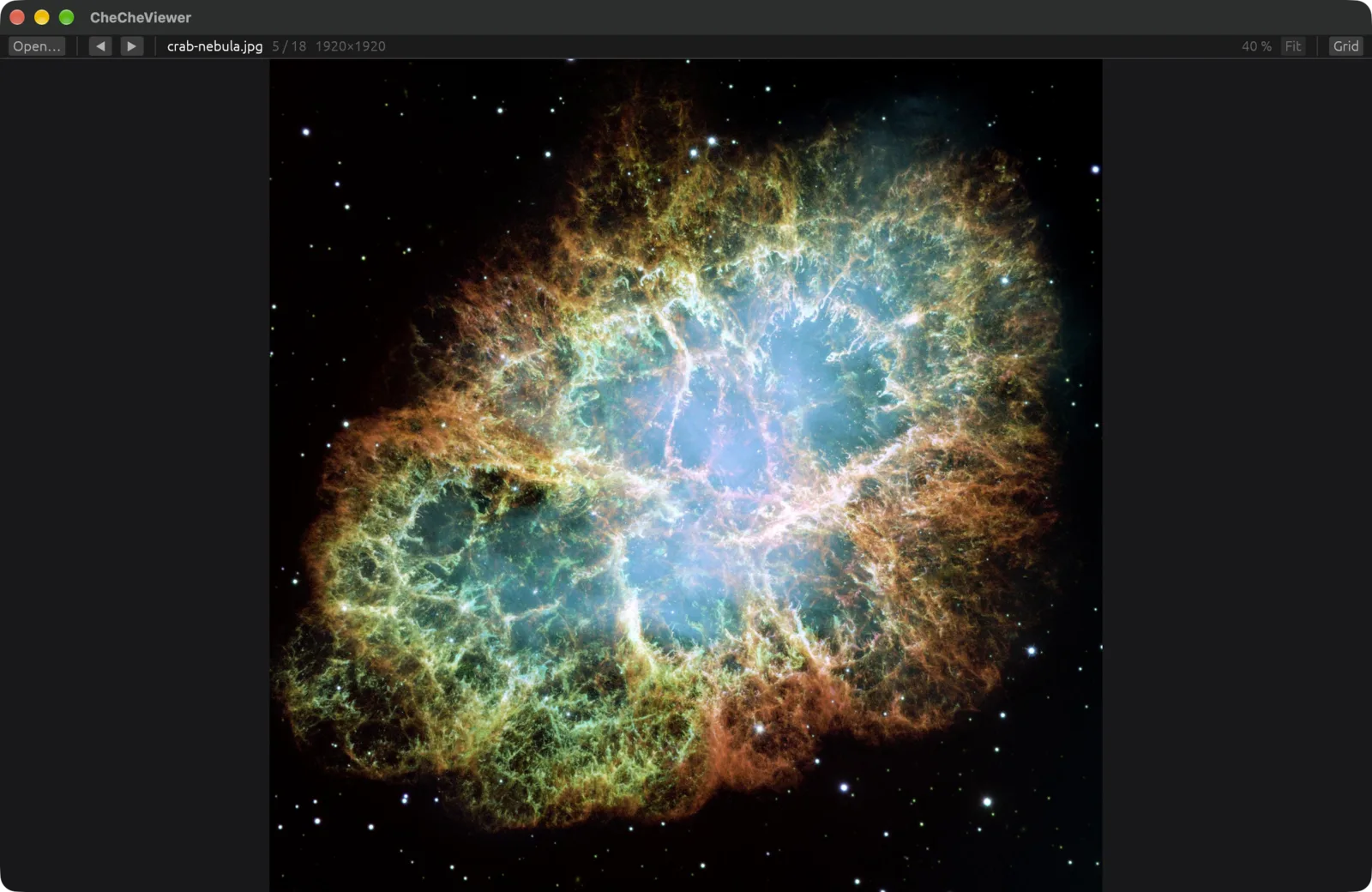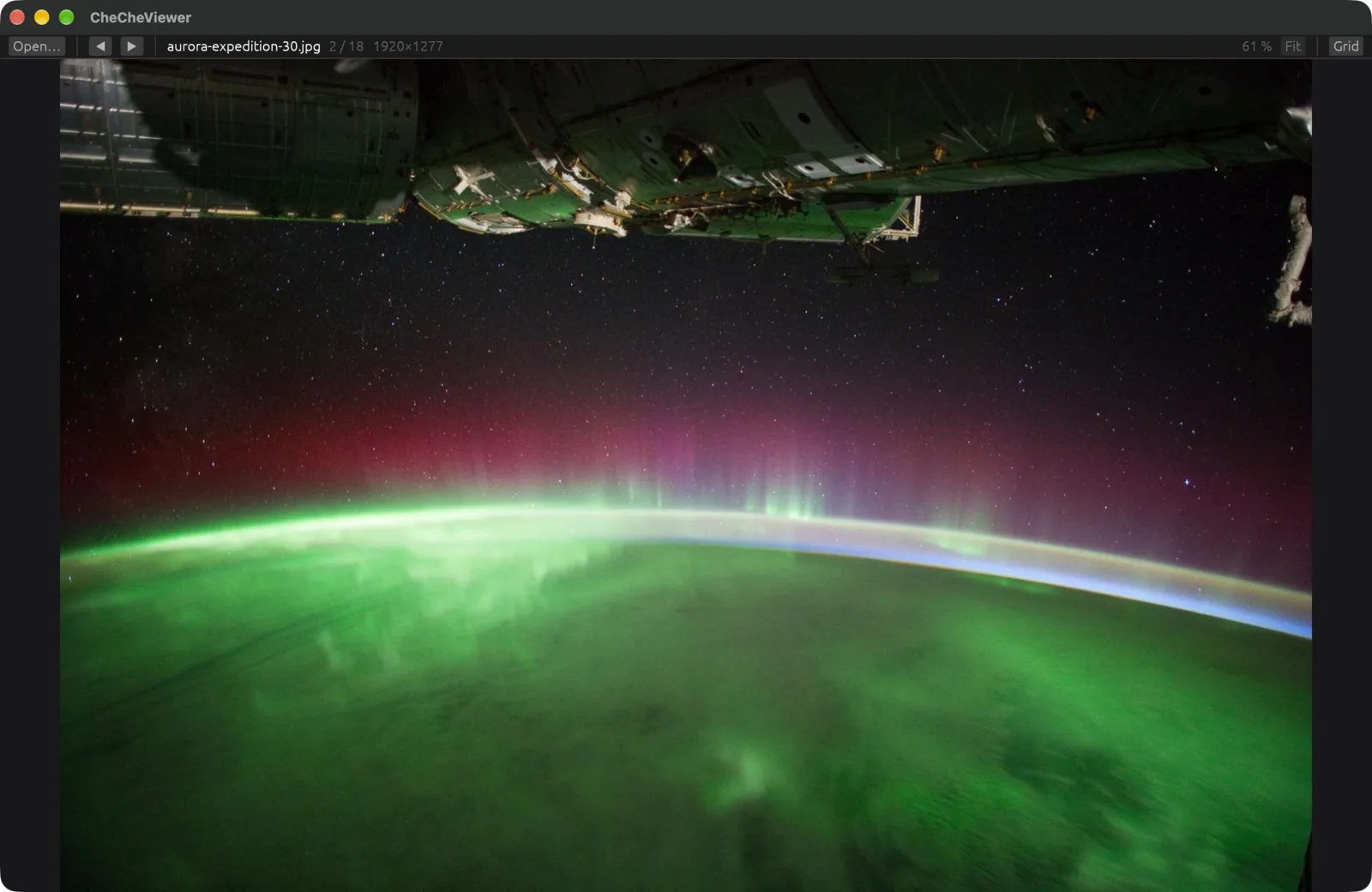
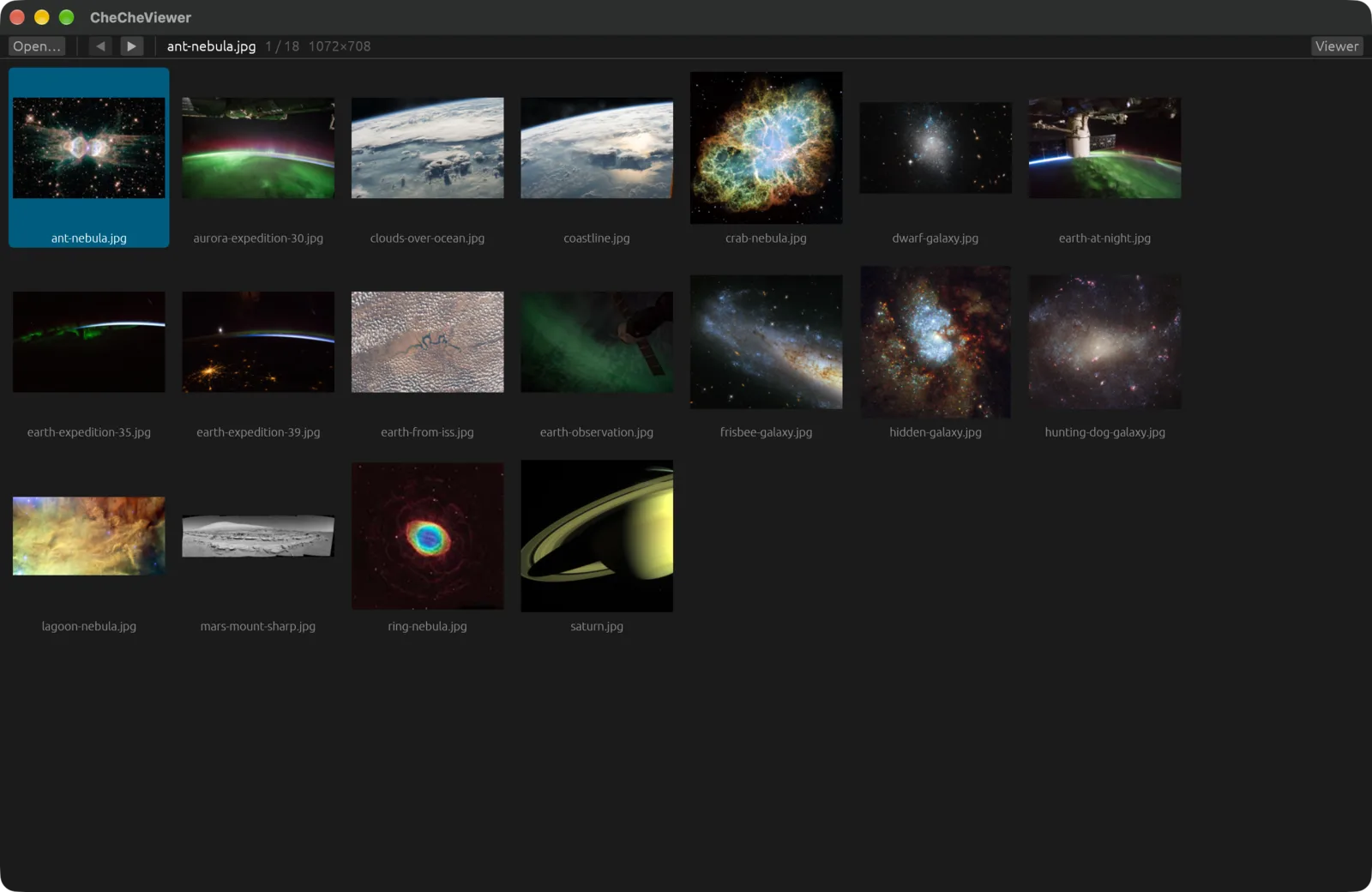
A fast, keyboard-first image viewer for macOS, inspired by IrfanView. Open a folder, see every image in a grid, and walk through them with the arrow keys. No waiting around.
With Homebrew, on macOS.
1. Add the tap and install:
brew tap ezeql/checheviewer https://github.com/ezeql/checheviewer
brew install checheviewer
2. Launch it once, so it shows up in Finder's Open With menu:
open "$(brew --prefix)/opt/checheviewer/CheCheViewer.app"
To update later:
brew update && brew upgrade checheviewer
Homebrew builds it from source (it fetches Rust for the build, which takes about a minute), so there is no unsigned-app warning from Gatekeeper. It installs the app and the checheviewer command: checheviewer ~/Pictures opens a folder, checheviewer photo.jpg opens an image. To make it the default for a file type: ⌘I on an image → Open with → CheCheViewer → Change All.
Thumbnails come from the preview embedded in each file, so even large folders fill in right away. Enter opens the selected image, Esc goes back.
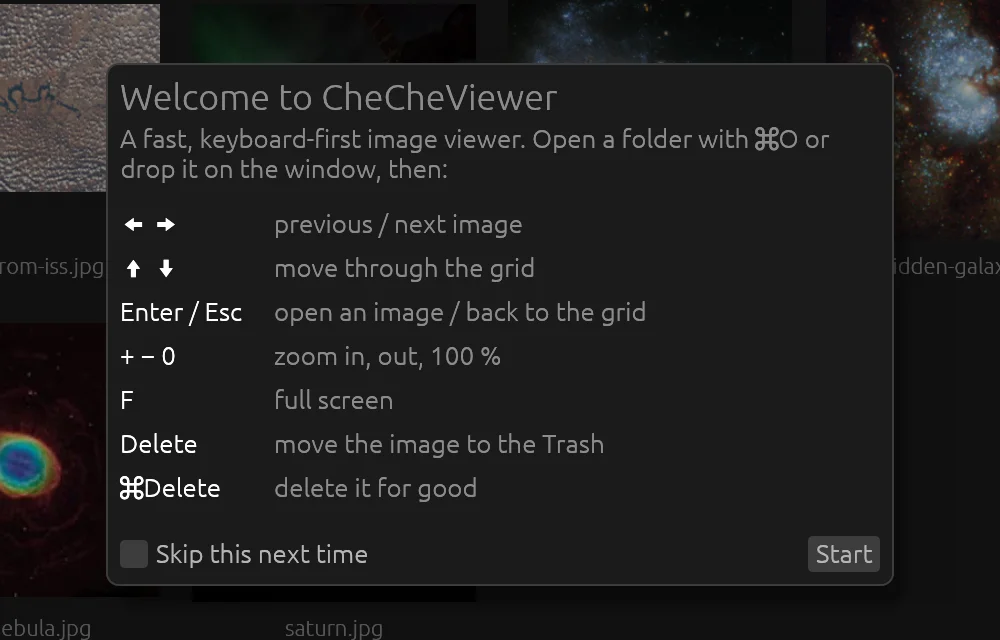
A welcome card lists the essentials the first time it opens.
| ←→ | previous / next image |
| ↑↓ | previous / next row in the grid |
| Enter Esc | open an image / back to the grid |
| +−0 | zoom in, out, 100 % |
| ⌘0 | fit to window |
| LR | rotate left / right |
| F | full screen |
| Delete | move the image to the Trash |
| ⌘Delete | delete it for good (asks first) |
Written in Rust on the GPU (Metal), with macOS ImageIO for Apple's formats.
Images decode in the background and the next ones are fetched ahead, so the arrow keys keep up.
JPEG, PNG, GIF, WebP, TIFF, AVIF, HEIC and RAW (CR2, CR3, NEF, ARW, DNG…), read by the same engine Preview uses.
EXIF orientation is always applied. Double-click toggles between fit and actual size; pinch or ⌘+wheel zooms.